
Build or buy a Shopify PIM?
Full comparison of the product work, Shopify engineering, and long-term ownership behind an in-house PIM, and when using Peak PIM is the better call.

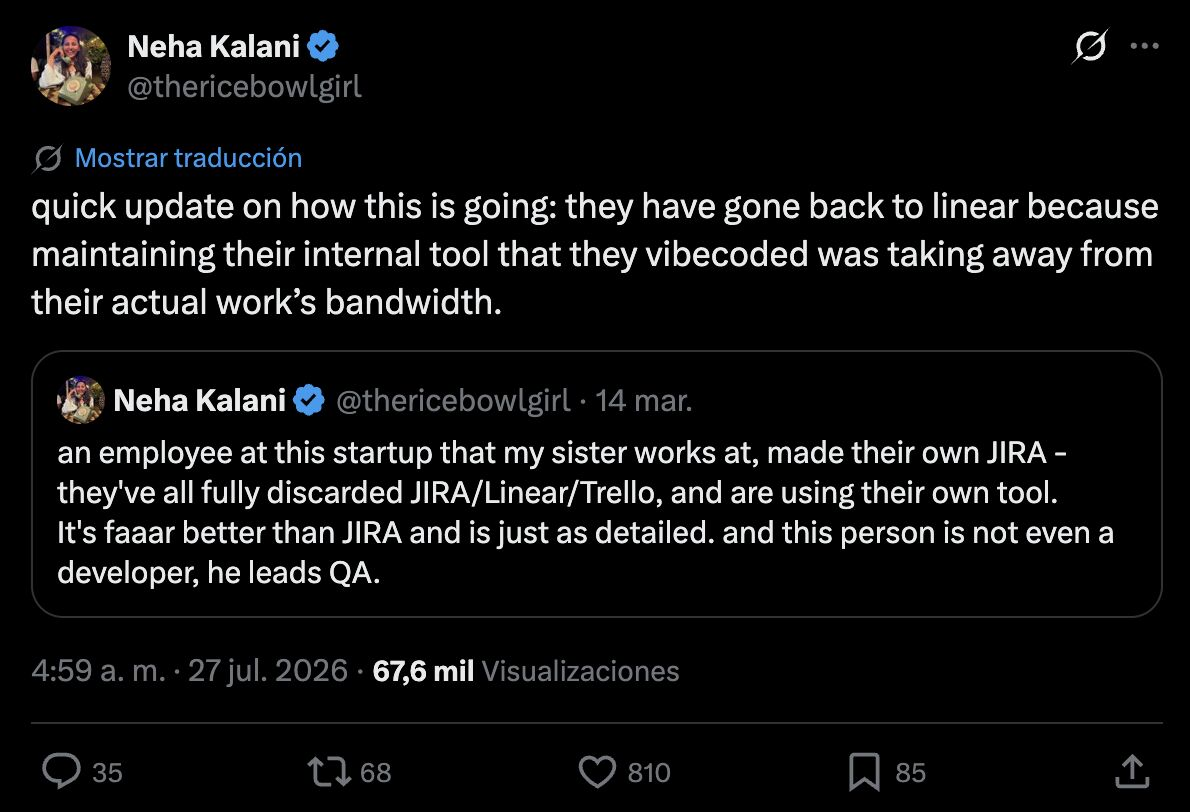
Build when owning internal catalog software is strategically important and your engineering team has the capacity to maintain it. Use Peak PIM when your priority is operating a Shopify catalog now, not becoming a PIM software company.
Building in-house and Peak PIM, side by side
The choice is not only build cost versus subscription cost. It is also who owns every workflow and Shopify change after launch.

Peak PIM
Compare what you actually pay for
Peak PIM starts with the Basic plan. An in-house build varies by scope, so its column shows the work and ownership you need to budget.
Which path fits your team?
Both choices can be valid. The right answer depends on whether catalog software is part of your competitive advantage or infrastructure your team simply needs to work.
Build your own if
You have dedicated engineering capacity, a genuinely unusual Shopify data model, and a strategic reason to own and maintain internal catalog software for years.
Choose Peak PIM if
You are Shopify-first, need better catalog operations this quarter, and want your engineers focused on customer-facing or revenue-generating work.
From decision to working catalog
Peak PIM connects to the Shopify catalog you already operate. There is no separate PIM migration project before your team can begin.
Connect Shopify
Install Peak PIM from the Shopify App Store and connect your existing store without a custom integration project.
Load your catalog
Products, variants, metafields, metaobjects, media, and current Shopify data appear in one structured workspace.
Review your workflow
Choose how your team will bulk edit, translate, manage media, and publish across connected Shopify stores.
Start operating
Keep your products live while Peak PIM handles the catalog workflows and Shopify maintenance behind them.
Frequently asked questions
Common questions about building or buying a Shopify PIM.
Still have questions?
Reach out to our team and we’ll help you find the right setup.