10,000+
Products to manage and enrich
Unique Wholefood manages more than 10,000 products, with bulk operations that still feel familiar to a Shopify user.


Unique Wholefood brings descriptions, custom fields, and images into one Peak PIM workflow, moving daily product enrichment out of Airtable.
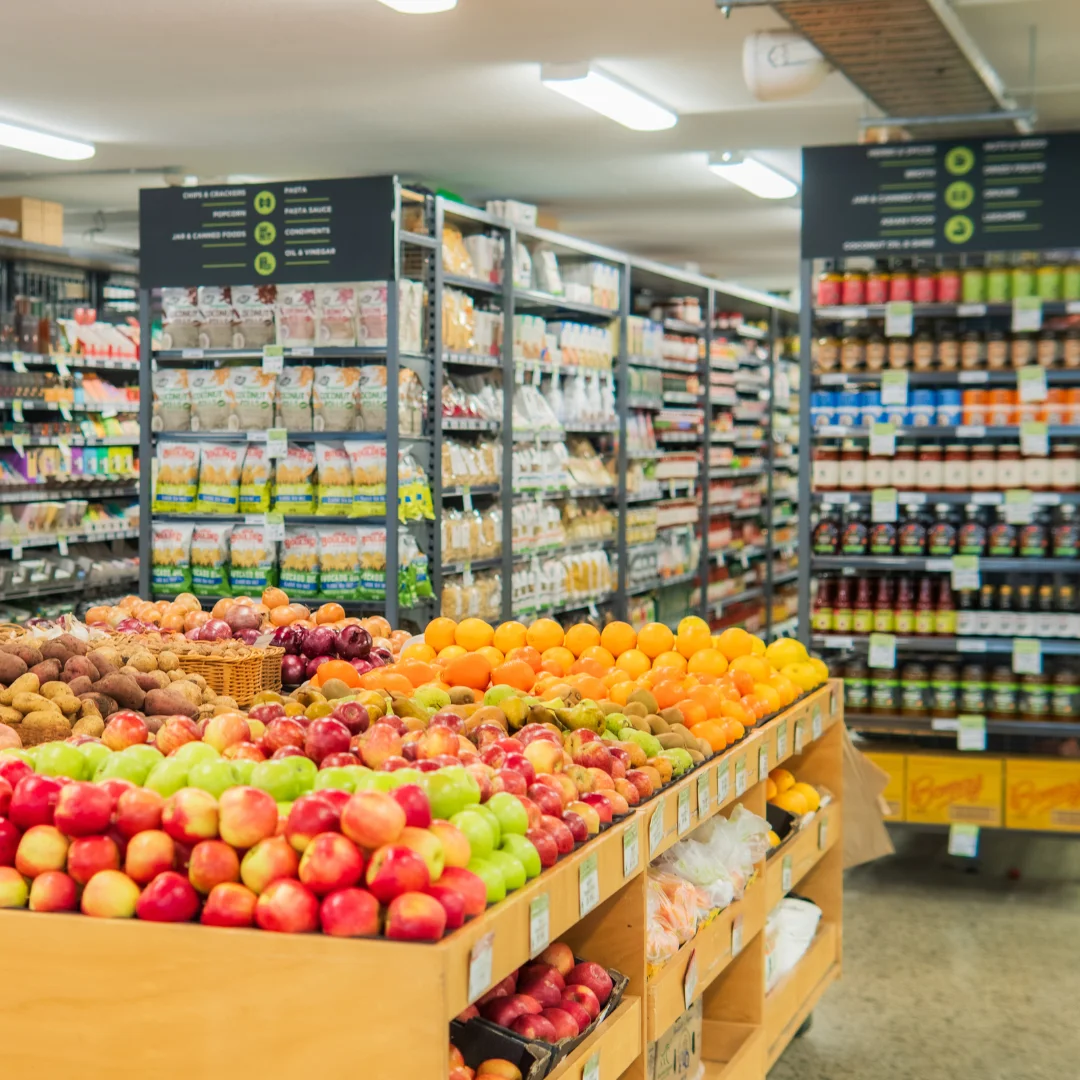 Unique Wholefood, Australia
Unique Wholefood manages more than 10,000 products, with bulk operations that still feel familiar to a Shopify user.
Descriptions and custom fields each get their own prompts, so enrichment follows the information that belongs in each field.
Supplier images can be pasted directly onto product pages for instant uploads. Unique Wholefood highlights this as a major time-saver.
For Australian grocer Unique Wholefood, getting a product into Shopify was only the start. The team still needed to turn incoming data into useful product content.
New products started in the point-of-sale system and reached Shopify as drafts. Short titles, descriptions, and structured product details still needed work.
Unique Wholefood used Airtable, SyncBase, and Make workflows to prepare product information and send it back to Shopify.
Product descriptions and individual fields needed different instructions. The team wanted to configure and rerun each prompt inside the catalog.

A large catalog becomes easier to handle when the right products, variants, and fields are in the same working view.
Unique Wholefood receives draft products from its point-of-sale system. In Peak PIM, the team can filter by collection, choose the columns it needs, and work with product and variant data together. The company's review describes bulk operations across 10,000+ products as intuitive and faithful to the Shopify backend experience.
A product description and a custom field serve different purposes. Unique Wholefood needed a dedicated prompt and generation action for each.
The earlier workflow sent enrichment tasks through Airtable and Make. Unique Wholefood worked with the Peak PIM team to configure prompts for individual fields, test the results, and generate content where it is needed. By September, the company was testing conditional prompts for specific vendors and collections. Its latest review confirms that descriptions and custom-field copy are now simple to generate at the push of a button.
Enrichment is visual, too. Repeating a small upload task thousands of times makes it worth simplifying.
Unique Wholefood tested image copy and paste directly in Peak PIM during the September workflow review. The company's latest review recommends it to other resellers: copy an image from a supplier website and paste it onto the product page for an instant upload. This simple action saves the team a significant amount of time.
The shift is practical: fewer trips between tools, familiar bulk operations, and enrichment that stays inside the catalog workflow.
Unique Wholefood describes bulk operations as intuitive while staying faithful to the Shopify backend experience the team already knows.
AI descriptions, custom-field copy, and images can be prepared in Peak PIM, alongside the product and variant data they belong to.
Pasting an image directly onto a product removes a recurring upload step. Across a large catalog, Unique Wholefood reports that this saves the team time.
From SyncBase to Peak PIM, Unique Wholefood worked directly with the BREBIA team to test its catalog workflow and get help when issues came up.
How Unique Wholefood brings product enrichment into its daily catalog work.
Reach out to our team and we’ll help you find the right setup.